Even Z.ai couldn't help me fix this small styles.scss jekyll minima
I have been using ai to help me fix the style of my blog and it takes me over 1 hour,until i can’t take it anymore search and found it on stack overflow.
Minima markdown can resize and hard force to make it smaller on styles.scss doesn’t work.
What Caused the Issue?
When you build web pages, Markdown is used for writing plain text and simple formatting, while HTML (like <div> tags) is used to create structured containers or layouts.
The issue occurred because of how the web page builder (Jekyll) reads your file:
- The HTML “Box” Glitch: When you wrap code inside an HTML container like
<div class="avatar-container">, Jekyll assumes everything inside that box is written in pure HTML. - Unrecognized Image Code: Because the image was written using Markdown formatting (
), Jekyll didn’t recognize it as an image inside that HTML box. Instead of displaying your picture, it printed out the raw text code onto your live website.
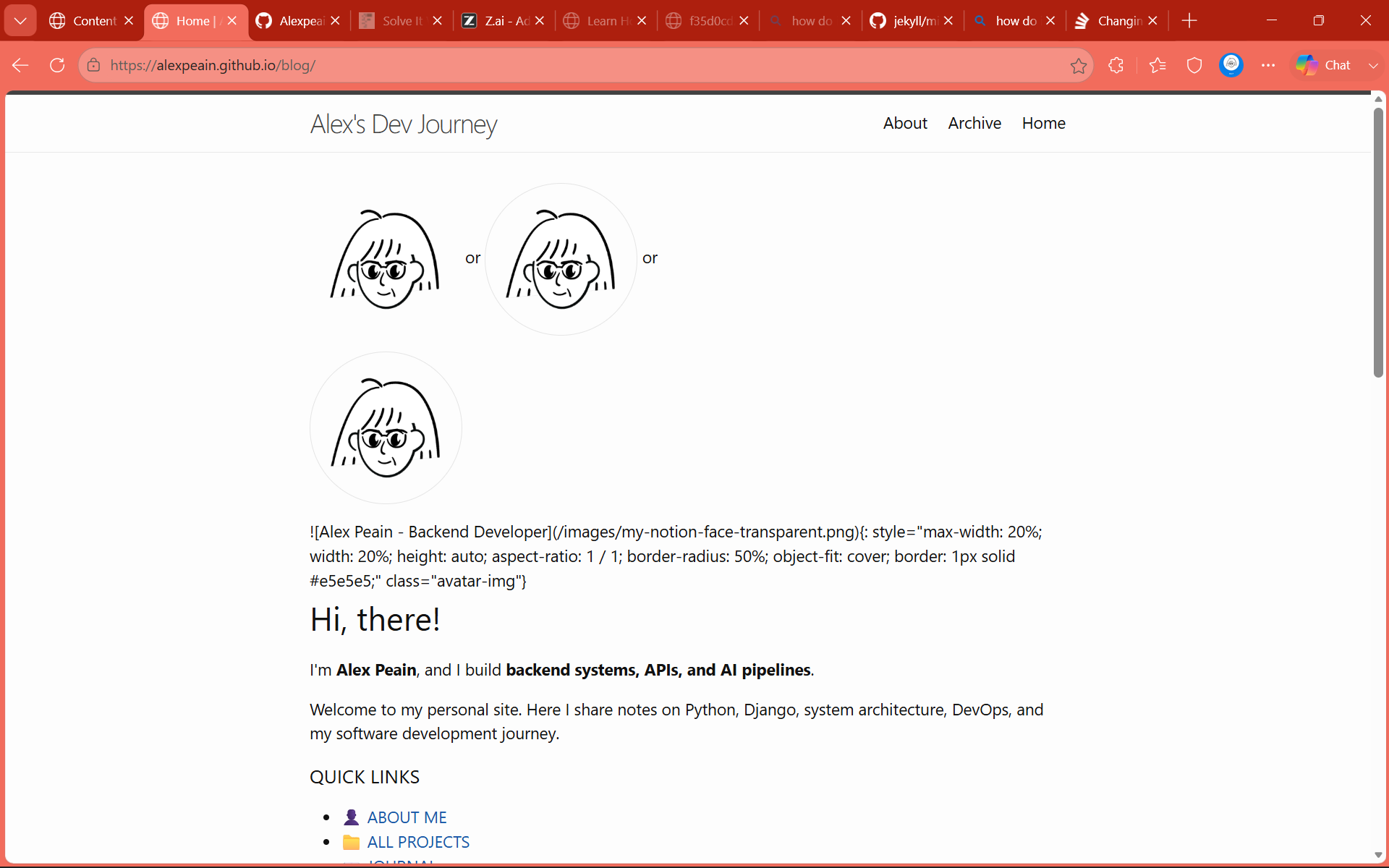
Since I don’t know which links work, I test it all links at once , this is how you see it in the image below 😅😛
Solutions (Which One to Choose?)
Depending on how you prefer to write your content, there are three clear ways to fix this:
Solution 1: Use Pure HTML (Easiest & Most Reliable)
When you are already using <div> tags for layout, writing the image as a standard HTML <img> tag is the most foolproof method. Jekyll won’t get confused trying to mix two different formatting languages.
<div class="hero-section">
  <div class="avatar-container">
    <img src="/images/my-notion-face-transparent.png"       alt="Alex Peain - Backend Developer"       style="max-width: 20%; height: auto;"     />
  </div>
</div>
Solution 2: Tell Jekyll to Read Markdown Inside HTML
If you really want to write Markdown images inside <div> containers, you must explicitly tell Jekyll to process Markdown inside that box by adding markdown="1" to the tag and leaving a blank space before the image link:
<div class="avatar-container" markdown="1">
{: style="max-width: 20%; height: auto;" }
</div>
Solution 3: Use Pure Markdown (No <div> Tags)
If you don’t need any outer HTML layout boxes, remove the <div> tags completely. On its own line, pure Markdown with custom styling works instantly:
{: style="max-width: 20%; height: auto;" }
# Error Raw bugs
#Raw error all it take it from this
<div class="avatar-container">
<img src="../images/my-notion-face-transparent.png" alt="Alex Peain - Backend Developer" class="avatar-img" />
</div>
#to this
<div class="avatar-container">
{: style="width: 64px; height: 64px; border-radius: 50%; object-fit: cover; border: 1px solid #e5e5e5;" class="avatar-img"}
</div>
This works
{: width="20%" }
or
{: style="max-width: 20%; height: auto; aspect-ratio: 1 / 1; border-radius: 50%; object-fit: cover; border: 1px solid #e5e5e5;" }
<div class="avatar-container" markdown="1">
{: style="max-width: 20%; width: 20%; height: auto; aspect-ratio: 1 / 1; border-radius: 50%; object-fit: cover; border: 1px solid #e5e5e5;" class="avatar-img"}
</div>
https://stackoverflow.com/questions/53992317/how-to-set-size-rotate-image-in-jekyll
https://stackoverflow.com/questions/14675913/changing-image-size-in-markdown